EWC new Identity and Access Management System (IAM) onboarding
29, June, 2026
· 3 minutes read
·

Dear European Weather Cloud user,
The European Weather Cloud (EWC) teams at ECMWF and EUMETSAT are pleased to welcome you to the new EWC Identity and Access Management System (IAM). This is an important step toward a unified and seamless experience across te EWC, as it will be used for authentication and access to all the available EWC services.
How does it affect you?
The EWC IAM is required to log into OpenStack Horizon, the web portal to manage your EWC infrastructure and resources that replaces the Morpheus orchestrator, which will be retired at the end of 2026. It will also be used to access additional services that will shortly be made available such as the EWC container registry.
What do you need to do?
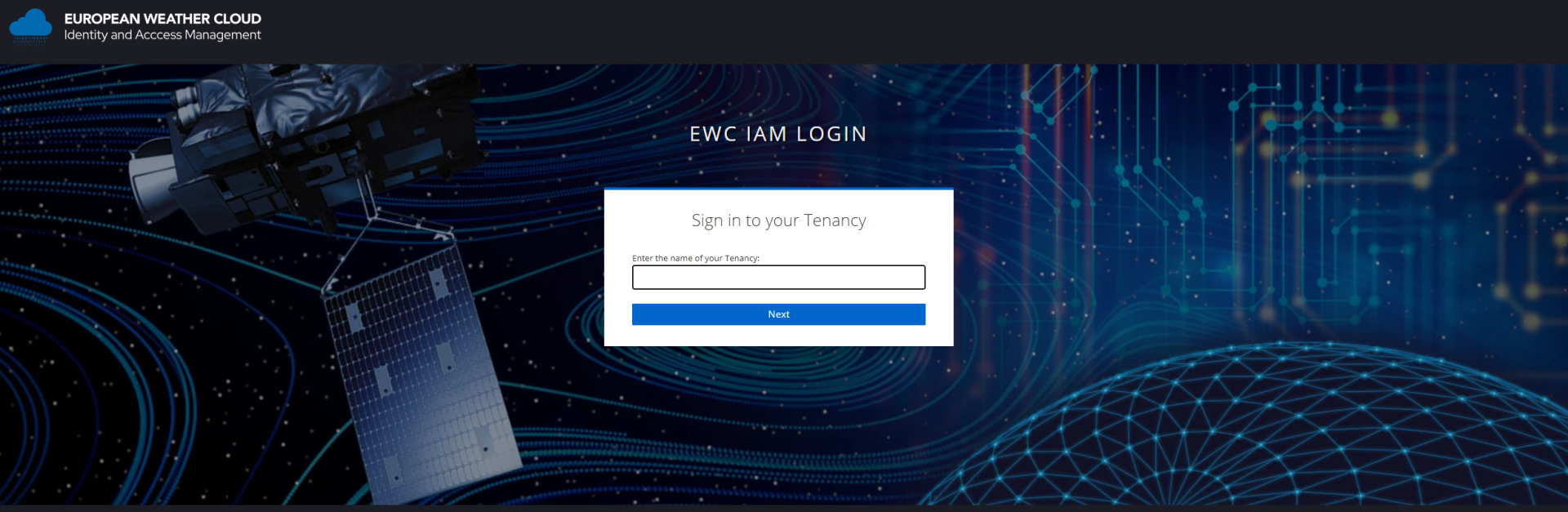
We have already created your account on the EWC IAM, so you just need to make sure you can log in and start using it. You will need to know the name of the tenancy you belong to, and how you are going to connect:
- If you are running at ECMWF (CCI1 or CCI2) and already have an ECMWF account to access other ECMWF services, you may use the "sign in with ECMWF Account" option after selecting the "European Weather Cloud" login. (See section below for login)
- Otherwise, you will receive a separate email to set up your password on the EWC IAM system itself. Note that in this case, if you have access to more than one tenancy, the passwords need to be set up individually for each of them.
NOTE: Some users on EUMETSAT side are already onboarded to EWC IAM, in that case no actions for you are required.
OpenStack Horizon access
Head to this page for a step-by-step guide to log into OpenStack Horizon portal using your new account.
IMPORTANT NOTE For users with cloud on EUMETSAT side of the EWC: OpenStack Horizon access will be accessible only when your tenancy is onboarded to the new cloud. Therefore if you try to login with your EWC IAM user to OpenStack Horizon on EUMETSAT side, you might see an error until we officially onboard you.
For tenant admins: management of users and more
Tenant administrators have the ability to manage user identities, roles, and access permissions through their Keycloak Admin Console at https://iam.europeanweather.cloud/admin/*tenancy-name*/console/ (replace tenancy-name by the actual name of your tenancy). Once there, you may create additional users, update or delete existing ones, as well as manage their roles and credentials. Check the following documentation for more information.
Note that existing Morpheus users up to now have been imported, but any changes made on Morpheus users from this point onwards will not be reflected on the new IAM system.
If you are have any questions about this new system or experience any issues please contact us through the EWC Support Portal. You may also reach out using the EWC Discussion Platform.
Kind regards,
The European Weather Cloud teams at ECMWF and EUMETSAT